Owner Portal
View your financial statements, access shared documents, and set up your online payment options.
Backed by Innovative Technology
The online Owner Portal streamlines communication, protects your investment, and helps you maximize the value of your properties.
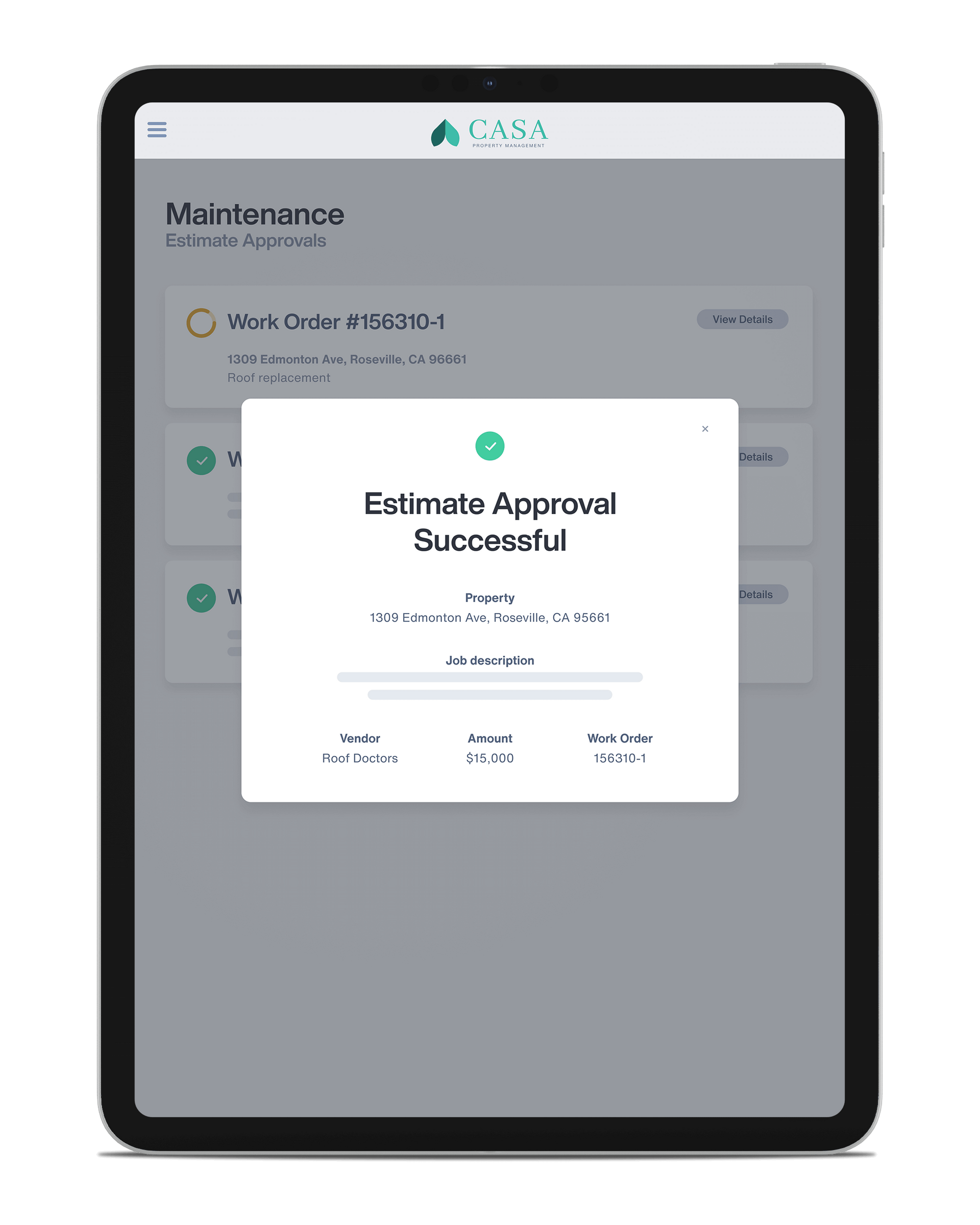
Simplified & Secure Payments
Make and receive payments from the mobile-friendly Online Portal. Directly send funds for owner contributions, including emergency maintenance repairs, renovations, or reserves via eCheck or Debit Card.
24/7 Access & Property Insights
Get on-demand access to financial statements, monthly summaries, year-end tax statements, and important documents from anywhere using our robust mobile capabilities.
Enhanced Communication
Stay connected and informed with built-in messaging, notifications, and emailing tools, all with fully mobile functionality to simplify collaboration.
Owner FAQ's
Find answers to common questions about our tenant services.
How do I access my monthly statements?
You can view and download your monthly statements directly from the owner's portal under the 'Statements' section.
What should I do if I need maintenance on my property?
Submit a maintenance request through the portal, and our team will address it promptly.
How can I update my contact information?
To update your contact details, log in to the portal and navigate to the 'Account Settings' section.
What is the process for tenant screening?
We conduct thorough background checks, including credit and rental history, to ensure reliable tenants.
How do I contact my property manager?
You can send a message to your property manager through the portal or call our office during business hours.
How do I receive my rental income?
Rental income is deposited directly into your bank account each month. Ensure your bank details are up-to-date in the portal.
What fees are associated with your services?
Our fees are outlined in your management agreement and can also be reviewed in the portal under 'Billing'.
Can I view my property's inspection reports?
Yes, inspection reports are available in the portal under the 'Reports' section.
How do I terminate my management agreement?
Please refer to your management agreement for termination terms, and contact us to initiate the process.
Maximize your investment.
Leverage the benefits of our Owner Portal today.